Multi-Agent AI System
Deploy specialized AI agents for debugging, refactoring, and searching simultaneously. More powerful than Cursor or Kiro.
The next-generation AI-first code editor designed to keep you in flow. Multi-mode intelligence, offline voice transcription, universal model freedom, and prompt-by-prompt visual rollback snapshots built right in.
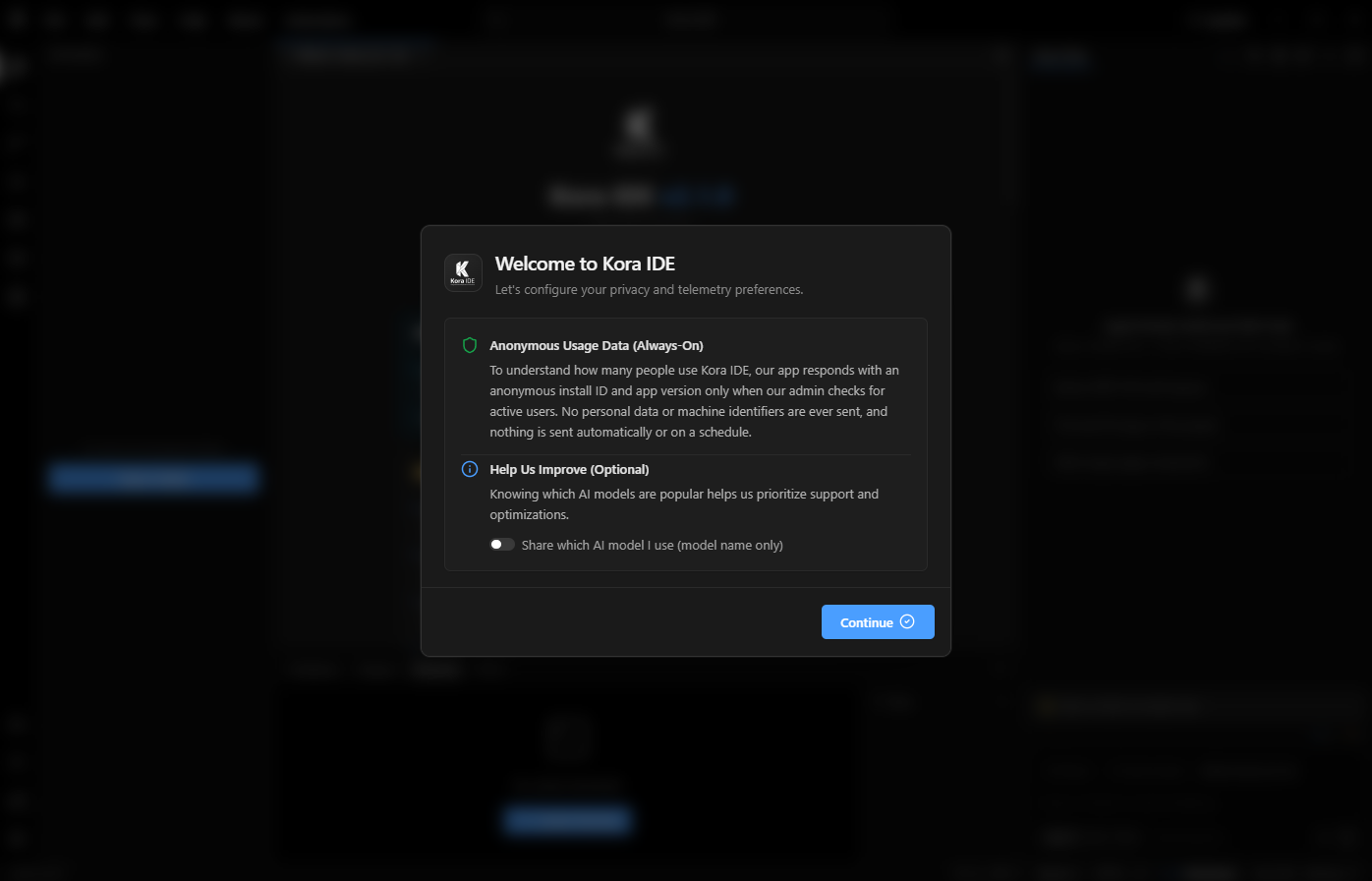
Drag the interactive slider left and right to see the stunning visual redesign, polished dark interface, and redesigned developer workspace.
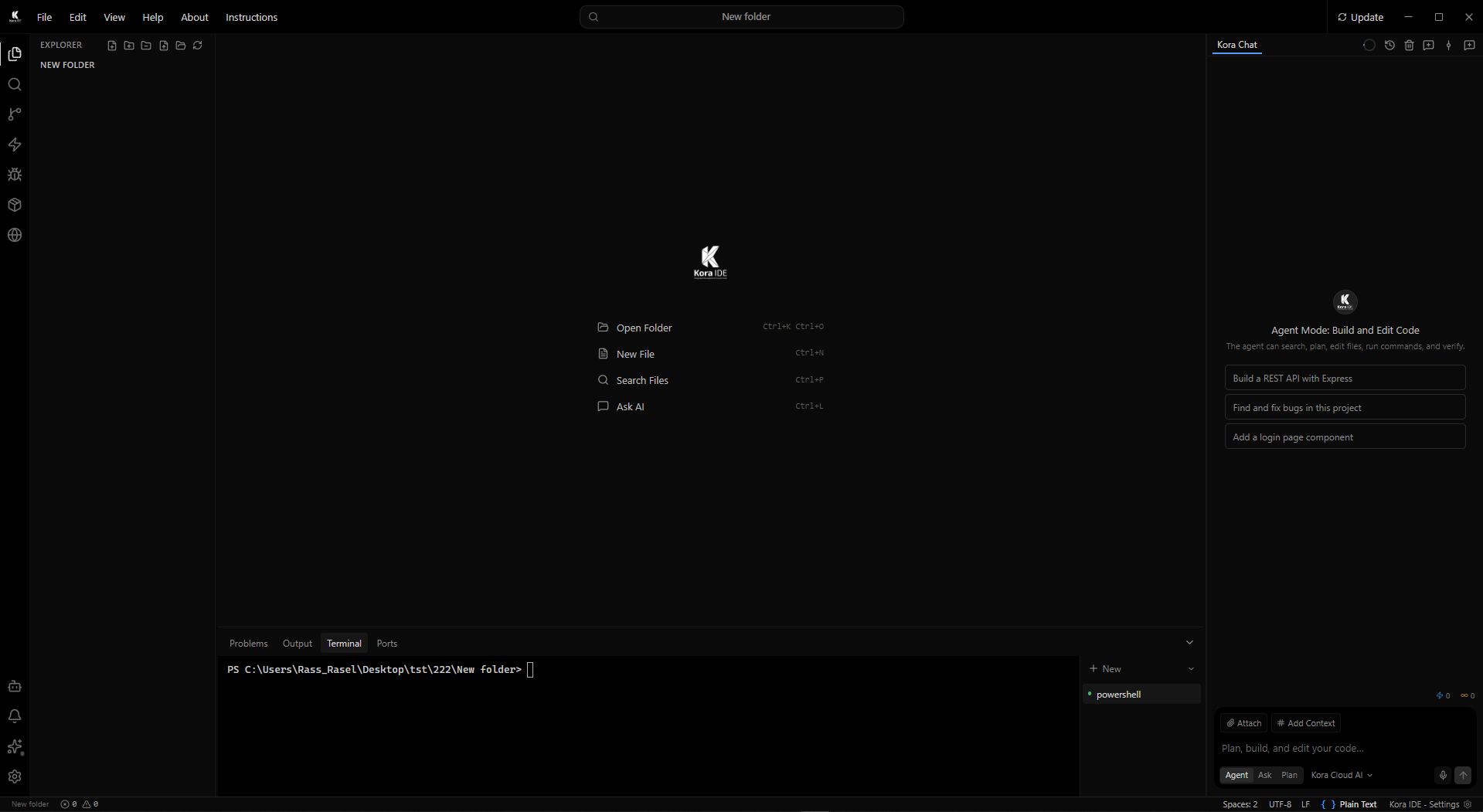
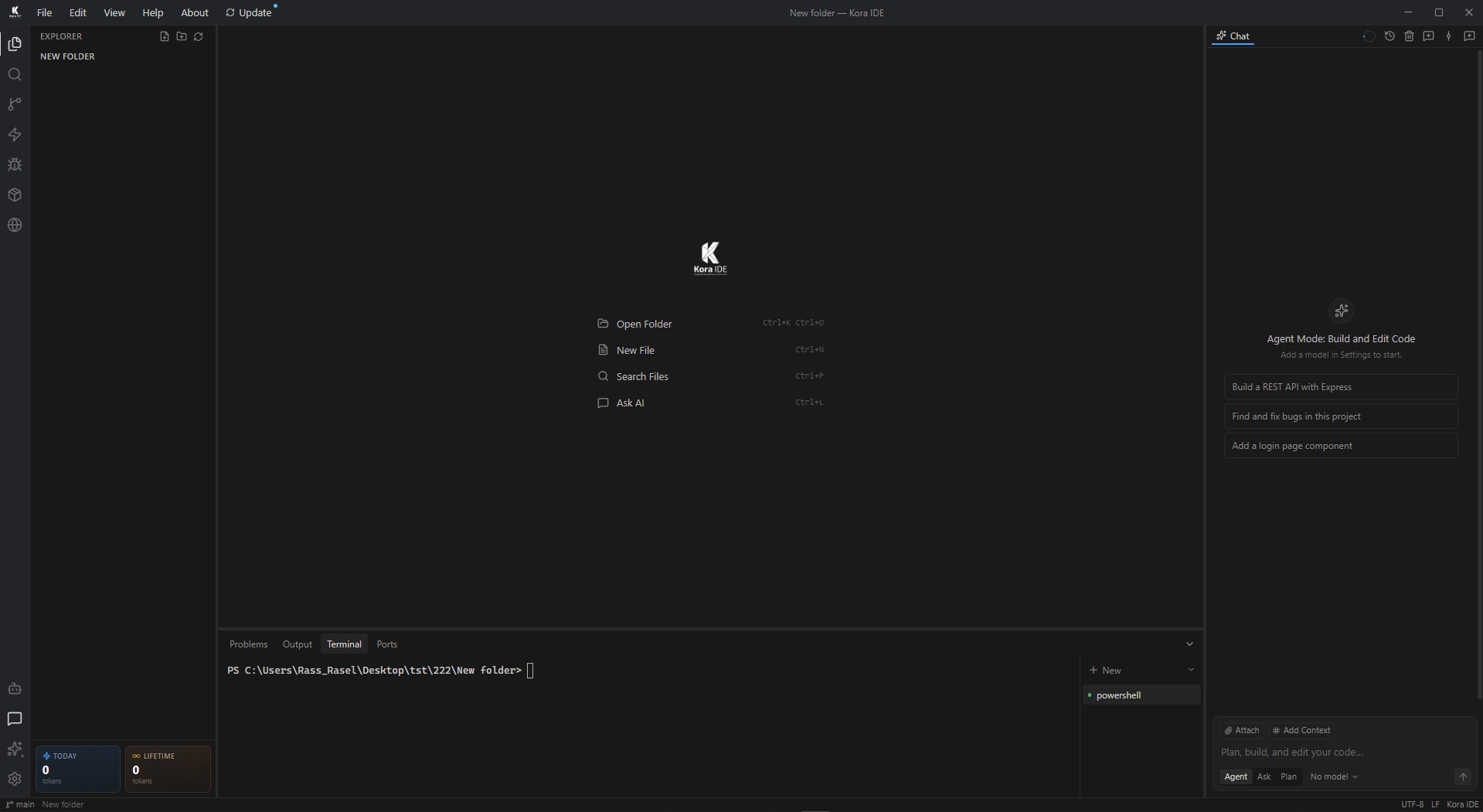
Explore the innovative capabilities that set Kora IDE apart from traditional editors and cloud-dependent assistants.
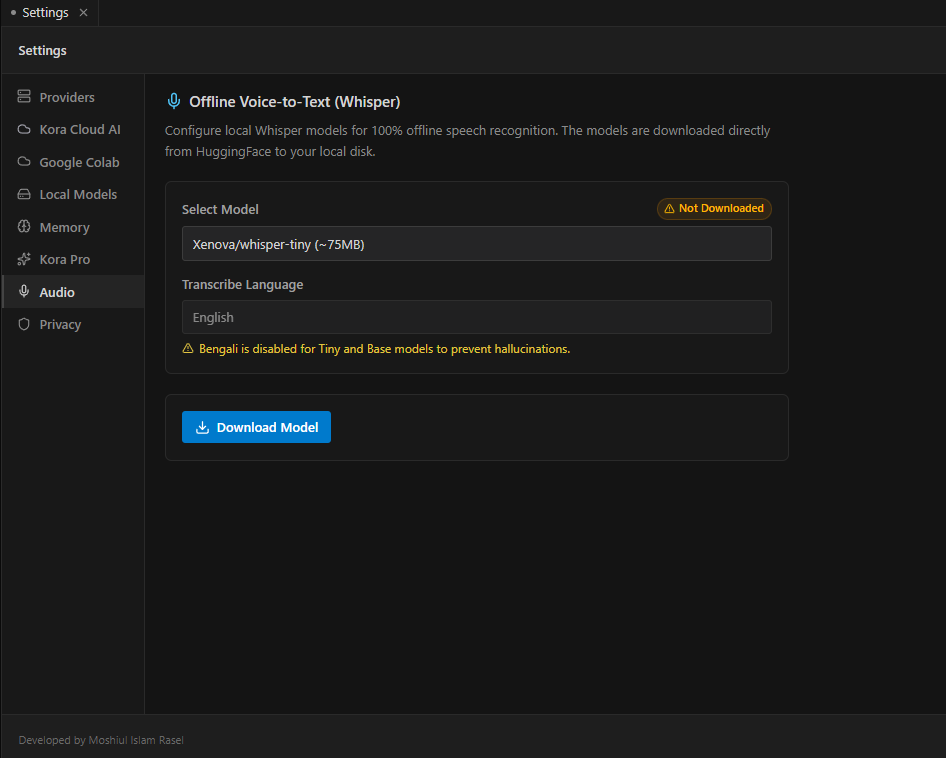
Experience a distraction-free environment engineered for rapid software development. Kora IDE seamlessly merges a high-performance code editor, integrated terminal, and interactive AI assistant into a single cohesive interface.
Syntax highlighting, multi-cursor editing, and rich code intelligence.
Instant workspace comprehension across thousands of files simultaneously.
Run dev servers, execute builds, and verify tests without leaving the editor.
Whether you need hands-off autonomous execution, instant architectural planning, or in-depth technical discussion, Kora IDE adapts to your immediate workflow needs.
Autonomous multi-file editing, debugging, and terminal build execution.
Lightning-fast conceptual explanations, Q&A, and documentation lookup.
Structured architectural blueprints and phased implementation plans.
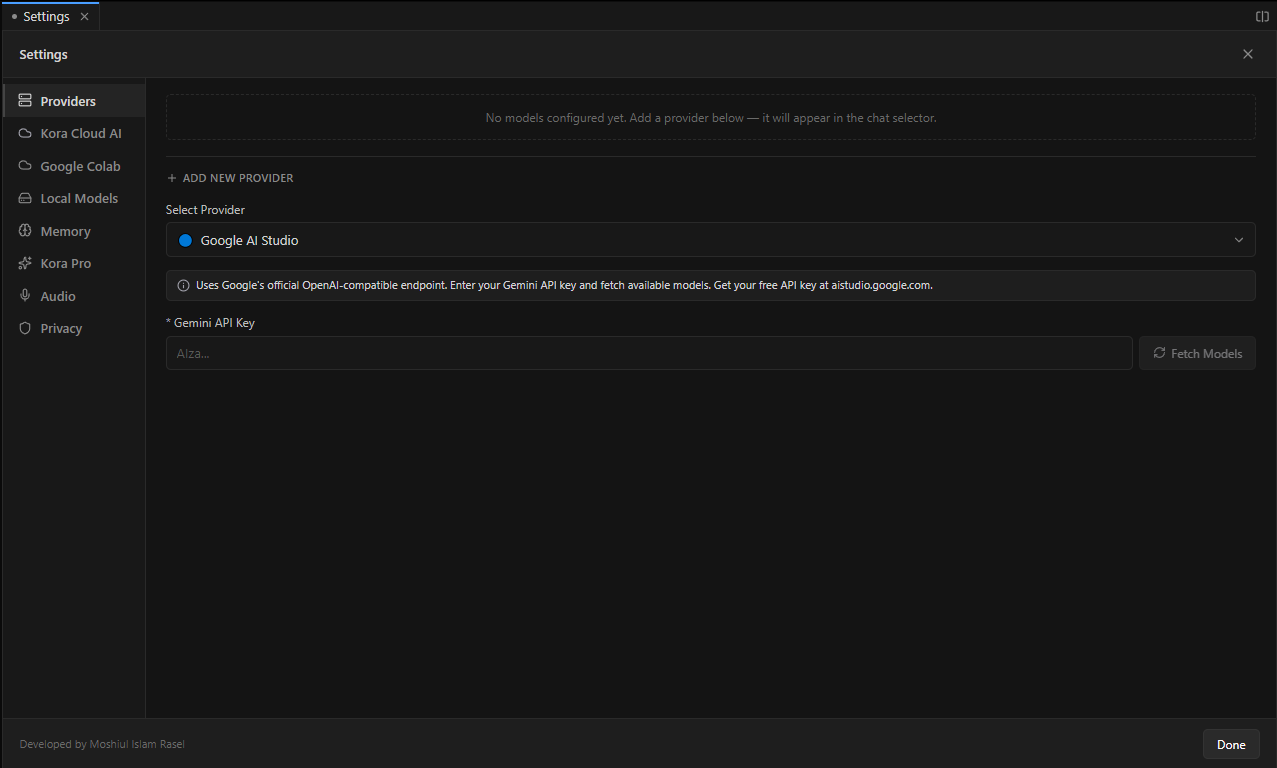
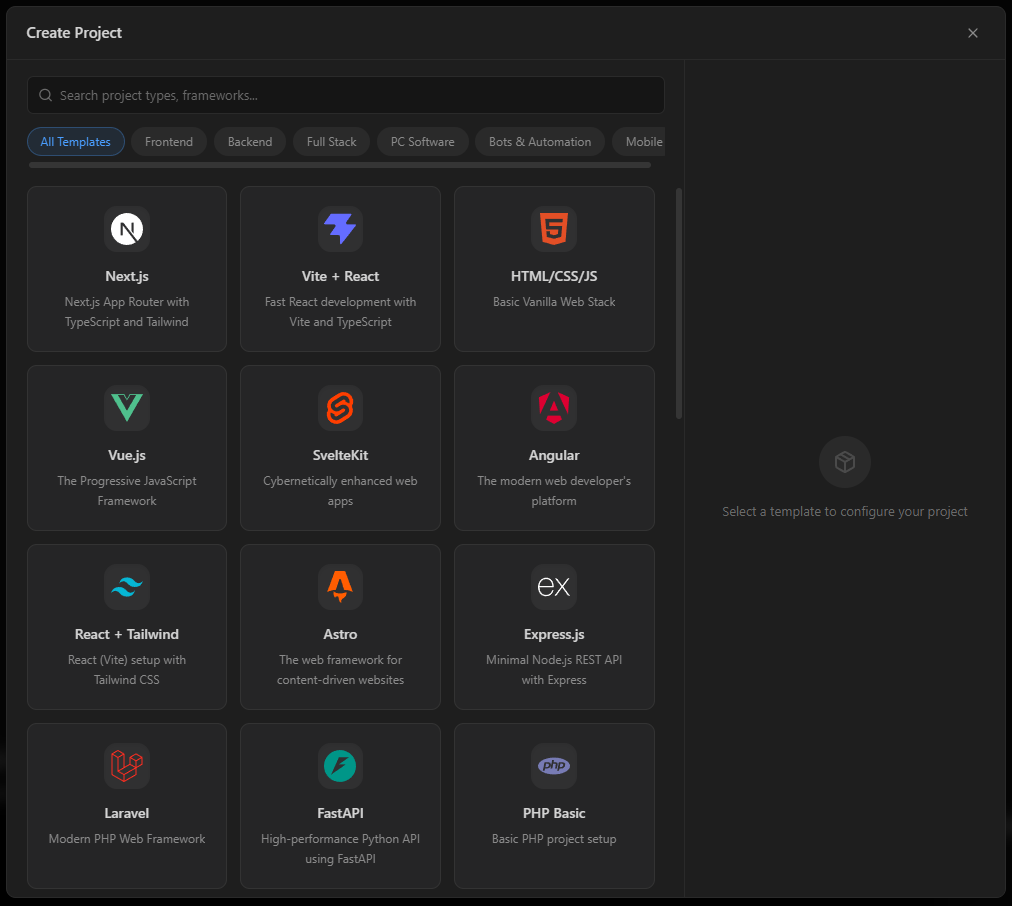
Connect your preferred AI providers seamlessly. Combine ultra-fast Cloud models, offline local models via Ollama, Google AI Studio, or your own custom OpenAI-compatible endpoints with intelligent multi-key redundancy.
Support for Cloud AI, Local Ollama, Google AI Studio & Custom endpoints.
Zero downtime with automated failover and cooldown recovery pipelines.
Translate design mockups and UI screenshots directly into production code.
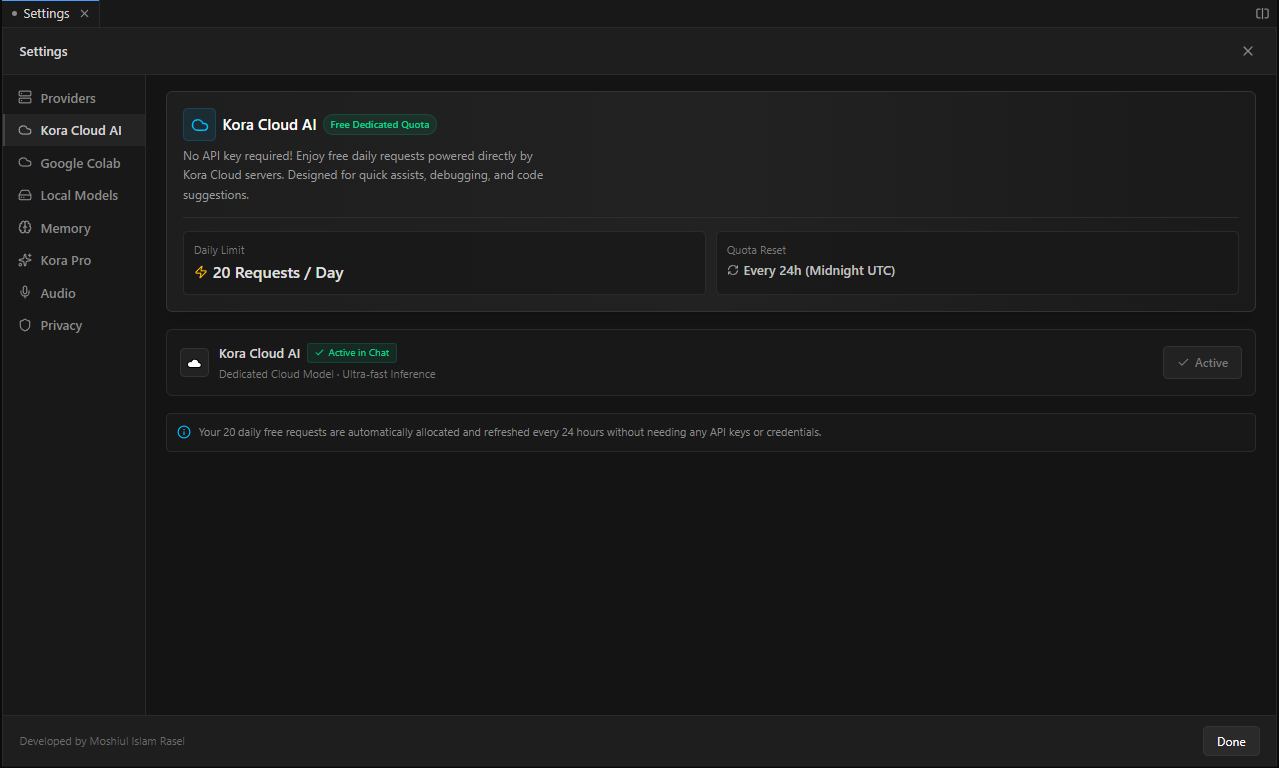
Dictate code revisions, ask questions, or navigate your files hands-free. Powered by local Whisper speech models running entirely on your machine, your voice data remains 100% private and offline.
Zero cloud latency and complete data privacy — nothing leaves your device.
Accurate transcription for English, Bengali, and global languages.
Works entirely without an internet connection for secure enterprise workflows.
Experiment without fear. Every AI-assisted modification automatically creates an isolated project checkpoint. Preview changes in Monaco's visual side-by-side diff viewer and roll back in a single click.
Every modification creates a point-in-time snapshot of modified files.
Inspect granular line additions and deletions before accepting changes.
Roll back your entire workspace safely without losing git history.
Deploy specialized AI agents for debugging, refactoring, and searching simultaneously. More powerful than Cursor or Kiro.
Extend your editor's knowledge dynamically with MCP integrations. Connect any data source to your AI coding assistant.
Agents have full terminal access to run builds, install packages, and read logs — all without leaving the editor.
See how Kora IDE stacks up against Cursor, Kiro, and VS Code.
| Editor | Free | Multi-Agent AI | MCP Support | Integrated Terminal |
|---|---|---|---|---|
| Kora IDE | ✓ | ✓ | ✓ | ✓ |
| Cursor | ✗ | ✗ | ✗ | ✗ |
| Kiro | ✗ | ✗ | ✓ | ✗ |
| VS Code + Copilot | ✗ | ✗ | ✗ | ✓ |
| Windsurf | ✗ | ✗ | ✗ | ✗ |
Everything you need to know about Kora IDE.